Guided Edits: A Printable Photo Keepsake
Turn a photograph into a printable memory with a complete crop, color, and frame walkthrough, exact settings, a downloadable example, and printing advice.
Make a captioned keepsake with a gentle color edit and an ivory frame. Follow the six steps, then print it for a journal or memory box.
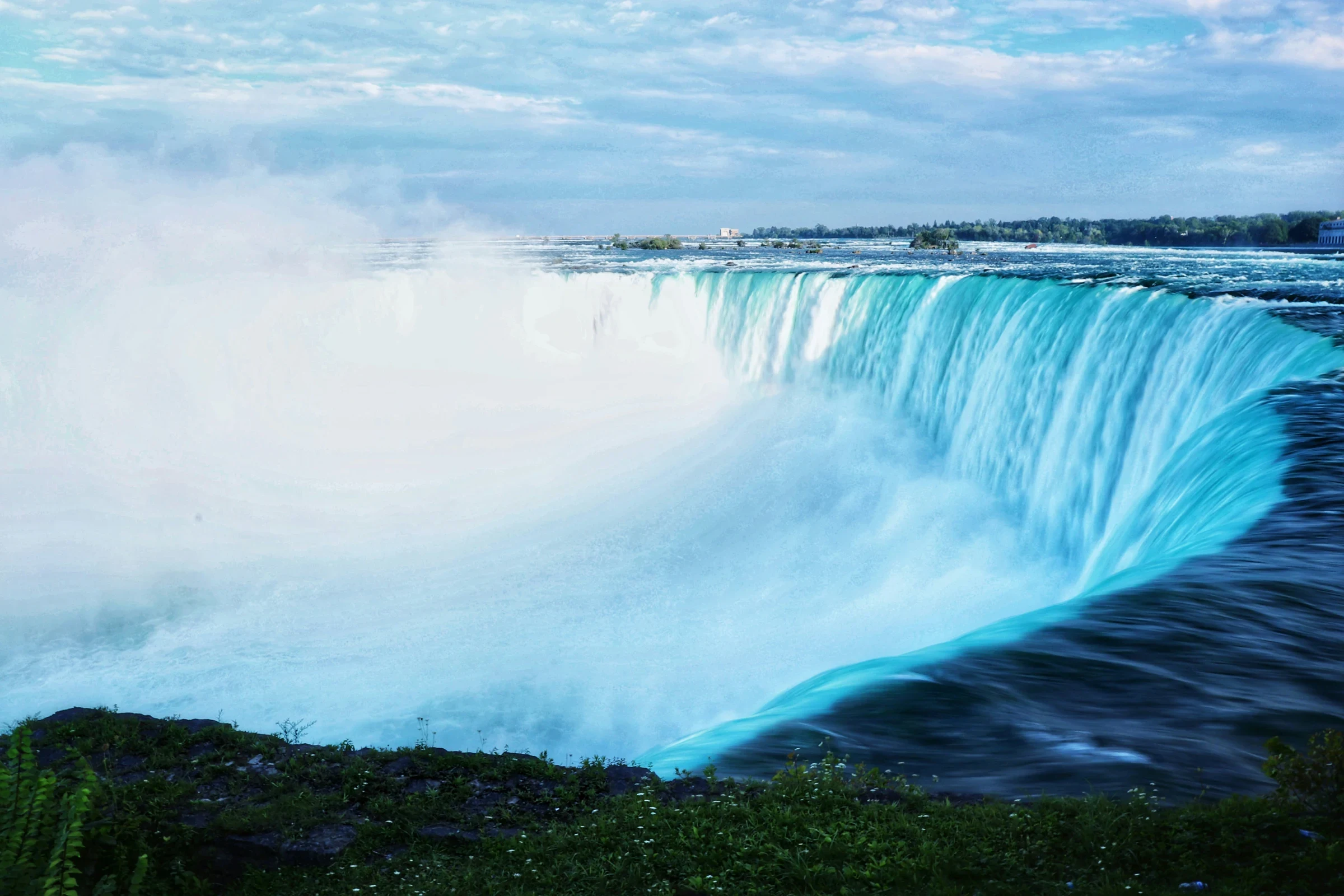
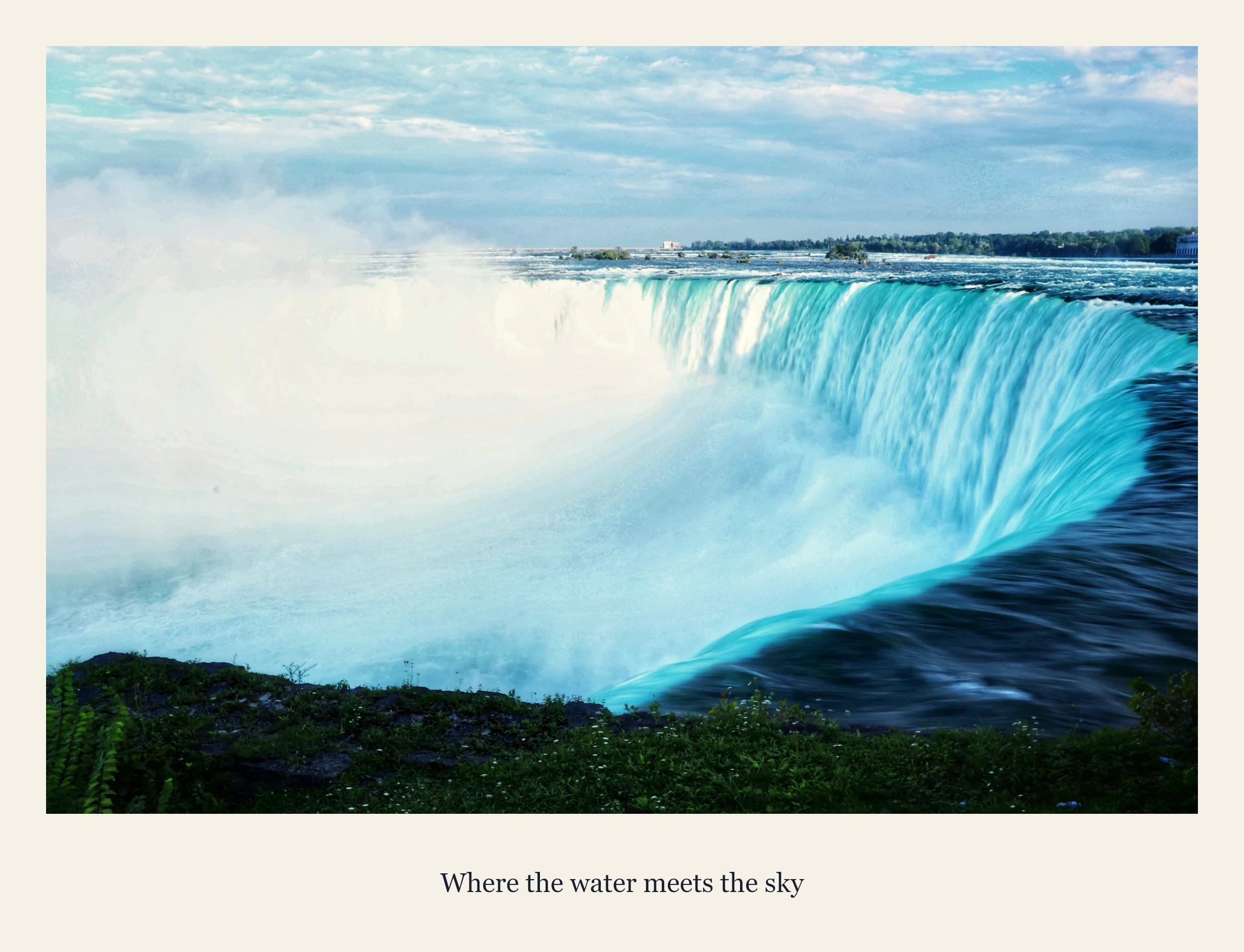
Download the keepsake example (JPG) · Start your own guided edit
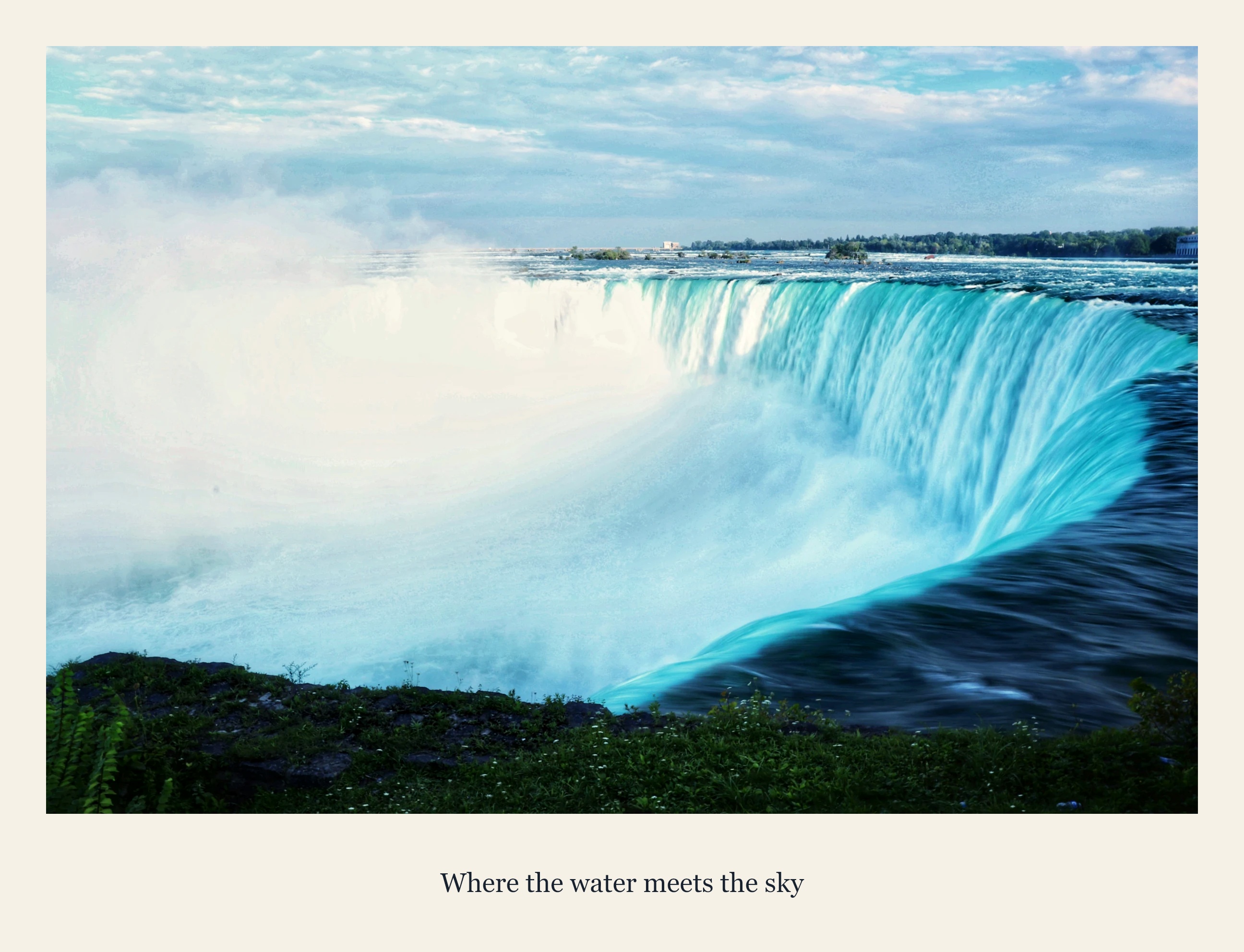
Follow the guided edit
Upload
Choose a meaningful photo you own or have permission to print.
Crop
Landscape print 3:2 · horizontal 50% · vertical 50% · zoom 1×. Select Use 3:2 & continue.
Adjust
Golden hour · strength 35% · brightness 100% · contrast 104% · saturation 95%. Apply & continue.
Effects
Skip this step to preserve the natural scene. Undo and Redo let you compare applied changes.
Finish
Frame: Polaroid · Solid · size 6% · color #f6f1e7. Caption: Classic · dark · centered · size 3.5%. Add your own short memory and apply.
Download
Export PNG or JPG. Each applied edit carries into the next step; preview changes must be applied to keep them.
Print it and keep it
Size & fit
Start with a 6 × 4 inch landscape print. Choose Fit or white margins so the frame and caption are not cropped.
Resolution
At 300 pixels per inch, 6 × 4 inches needs 1800 × 1200 pixels. Use a full-resolution original for larger prints; the sample is resized.
Final check
Check spelling, margins, and orientation in print preview. Print one proof before ordering more. Add a handwritten note on the back to make it personal.
Download dimensions: 2592 × 1984 pixels.